Queue Management System Singapore: A Practical Guide for Small Businesses
The Sedia team · · 10 min read
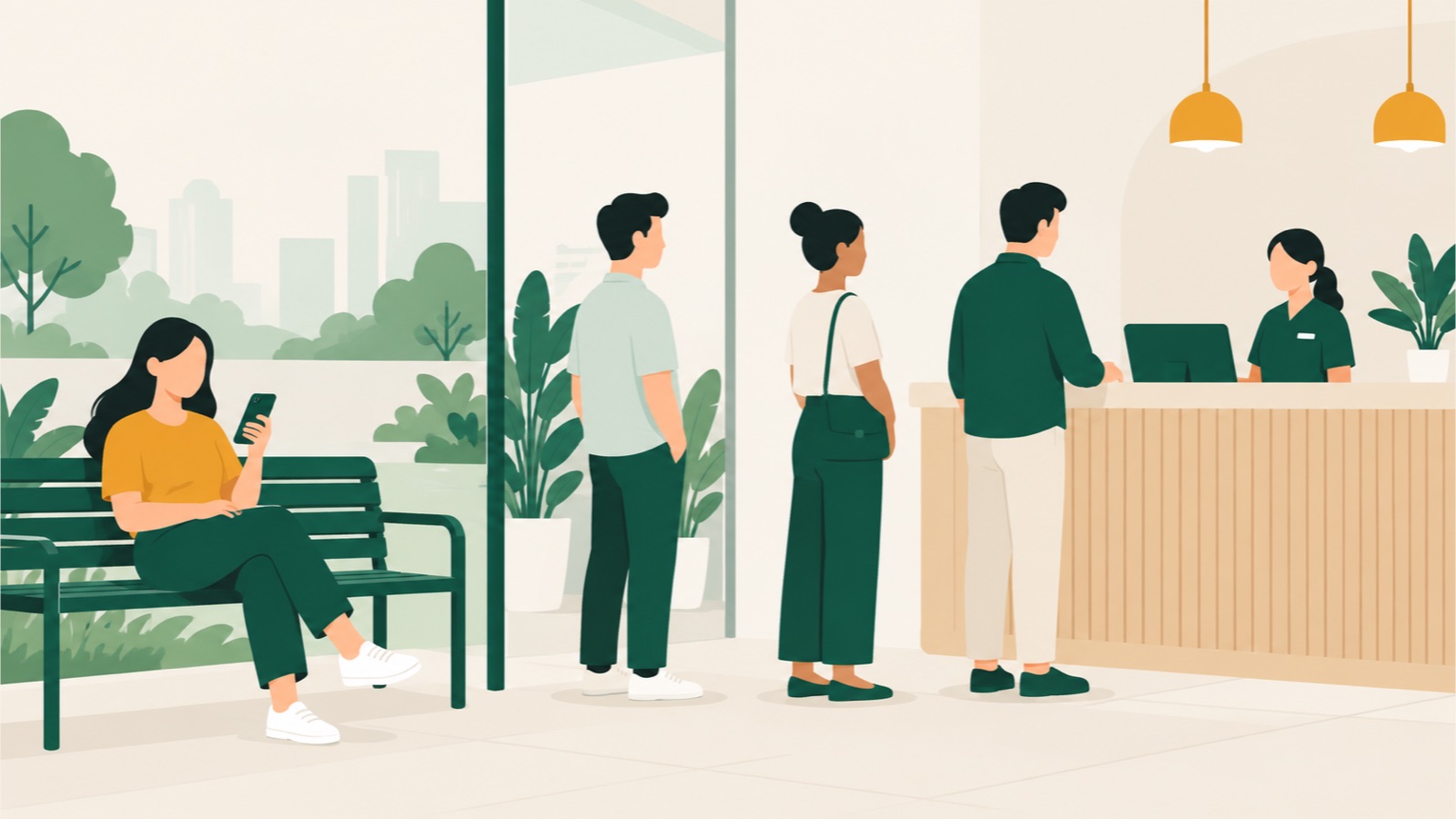
For example, a busy queue can start with five people at a clinic in Tampines, three parties outside a restaurant in Tiong Bahru or several drivers arriving together at an Ubi workshop. The right system does not make every delay disappear. It gives staff one orderly list and gives customers a clear way to join, check their progress and return when their turn is close.
Short answer: a queue management system records who is waiting, keeps the service order clear and helps staff call the next customer. For most small businesses in Singapore, the useful starting point is a cloud system with QR and kiosk joining, a live phone ticket, notifications, a simple staff screen and bookings only where the business actually needs them.
What is a queue management system?
A queue management system replaces, or adds structure to, a physical line. A customer joins through a ticket dispenser, kiosk, QR code, web link or staff member. The system places them in the right queue, shows staff who is next and records when service starts and ends.
The customer may receive a printed number, see a live ticket on their phone or watch a public display. A more complete system can also manage appointments, route people to different counters and report on wait and service times. Our separate guide explains what a queue management system is in more detail.
Which type of queue system suits a small business?
The main types solve different problems. A neighbourhood clinic may need more than one, while a small barber may need only a link and a staff screen.
| Type | How customers join | Best suited to | Main point to check |
|---|---|---|---|
| Ticket system | Take a printed number | Counters with many walk-ins, including customers without smartphones | Printer, paper and display upkeep |
| Self-service kiosk | Enter details on a tablet or terminal | Clinics and service counters that need forms or service selection | Accessibility, cleaning and what happens if the device fails |
| QR or virtual queue | Scan a code or open a link | Salons, restaurants, clinics and repair shops where people can wait nearby | A no-app option, live progress and a fallback for customers without a phone |
| Booking hybrid | Book a slot, then check in to the same serving list as walk-ins | Clinics, salons, vets and workshops with both planned and unscheduled demand | How late arrivals, priorities and walk-ins are ordered |
A virtual queue changes where people wait, not the underlying service capacity. Customers can use the time elsewhere, but staff still need a clear process for calling and handling no-shows. See the guide to what a queue management system does for the full customer and staff flow.

What queue management features matter most?
Start with the daily job, not the longest feature list.
Easy joining without an app
Customers should be able to scan a fixed QR code, open a link or use a kiosk without creating an account. Keep the form short. Name or ticket number, phone number and chosen service are often enough; collect extra details only where the visit requires them.
One clear staff view
Staff need to see who is waiting, which service they need, how long they have waited and which counter, room, chair or staff member can serve them. Check that two staff members cannot accidentally call the same person and that a supervisor can change the order when a genuine priority applies.
A useful customer ticket
A position alone does not tell a customer when to return. Look for a wait range that updates through the day and a message when the customer is nearly up. Sedia shows a range based on the business's own service history and updates it as the day progresses.
Practical notifications and fallbacks
Web push and email can cover basic updates. If you want WhatsApp or SMS, check the message charge, whether replies are supported and what staff do when a message is not delivered. A public display or spoken call remains useful for people already on the premises.
Bookings and walk-ins in one flow
If you take appointments, ask what happens after the customer arrives. A booking system that ends at the calendar can leave staff running a separate walk-in list. A hybrid system should let a booked customer check in and enter the same serving flow under rules your staff understand.
Reports you can act on
Useful measures include wait time, service time, no-shows and busy periods by service or location. They should help you decide when to change staffing, opening hours or booking intervals. An export is important if you want to analyse or retain the figures outside the supplier's system.
How much does a queue management system cost in Singapore?
There is no reliable single market average because vendors package locations, visits, messages, hardware and support differently. Our queue-system cost breakdown for Singapore explains each part of the total. The table below uses only public figures, as listed on their websites on 20 October 2026. Prices are not like-for-like and exclude tax, currency conversion, hardware and optional services unless stated.
| Supplier | Public subscription price | Important limit or note |
|---|---|---|
| Sedia (pre-launch) | Planned pricing per location, before GST: Free; Essentials S$32 a month billed annually or S$39 monthly; Pro S$166 a month billed annually or S$199 monthly; Custom from S$499 a month on an annual contract | 300, 1,500 and 6,000 monthly visits on Free, Essentials and Pro; WhatsApp and SMS use prepaid credits |
| Waitwhile | Free; Starter from US$31 a month billed annually or US$39 monthly; Business from US$55 a month billed annually or US$69 monthly; Enterprise custom | The starting paid tier covers one location and is also limited by monthly visits; pricing rises with the chosen location or visit allowance, and SMS credits are separate |
| Skiplino | Queue Management Professional $299 and Enterprise $399 per month per location at the published annual-billing rates | Monthly billing costs more; other product categories have separate prices, and on-premises deployment is priced by scope |
| Qminder | Business US$9,468 a year or US$869 monthly; Premium US$12,588 a year or US$1,149 monthly; Enterprise custom | Business and Premium include unlimited locations, visitors and service lines, with 25 and 50 users respectively |
Compare the same workload: locations, monthly visits, staff accounts, messages, hardware, support and setup. Check whether a busy month blocks new joins and which extras are charged separately. The Sedia pricing page gives the same breakdown for its planned plans and add-ons. Businesses starting at $0 can also compare the free queue systems available in Singapore.
How does the PDPA apply to a queue system?
A queue can hold names, phone numbers and visit reasons. Under the PDPA, your business remains responsible for personal data processed on its behalf by a supplier acting as a data intermediary. The PDPC's key-concepts guidelines explain that responsibility, along with the consent, purpose limitation, notification, protection, retention and transfer limitation obligations.
Our practical PDPA guide for queue systems expands on this practical setup:
- tell customers what you collect and why before or when you collect it;
- collect only the fields the queue or visit needs;
- keep sensitive visit details off public displays;
- give each staff member suitable access rather than sharing one unrestricted login;
- agree who handles access, correction and breach requests;
- choose a retention period and make sure deletion actually happens; and
- check where data is stored and what protection applies to any overseas transfer.
Do not assume the PDPA sets one fixed retention period. The PDPC's retention guidance says an organisation must stop retaining personal data when the purpose is no longer served and the data is no longer needed for legal or business purposes.
The prevailing PDPC guidelines on NRIC numbers say collection should be required by law or necessary to establish or verify identity to a high degree of fidelity. MDDI confirmed in February 2026 that organisations should stop using full or partial NRIC numbers as authentication. An ordinary restaurant waitlist or salon queue should not ask for an NRIC number simply because the form allows it.
Hosting in Singapore may make data-residency discussions easier, but it is not a substitute for the collection, access, security and deletion controls around the system. This section is general information, not legal advice.
How do you set up a queue management system?
Keep the first version small enough to test during a normal shift.
- Map the real flow. Mark when waiting begins and ends, which services have separate lines and where customers move next.
- Set the service order. Decide how bookings, walk-ins, late arrivals, emergencies and other priority customers are handled.
- Choose join points. Use the QR code, kiosk, staff entry or printed ticket options your customers need. Provide a fallback rather than forcing everyone down one route.
- Keep the form short. Ask only for information needed to serve the customer and explain its use.
- Set messages and displays. Write short operational messages, decide when alerts go out and make sure public screens reveal no unnecessary personal data.
- Run a staff rehearsal. Test joining, calling, transferring, cancelling, a missed turn, a device failure and the end-of-day process.
- Pilot one queue. Watch a real peak period, speak to staff and customers, then adjust rules before adding more services or branches.
How should you choose a queue management system?
Take a short scenario to each demo instead of accepting a generic tour. Ask the supplier to show how a walk-in joins, how a booking checks in, how staff call the next person and what the customer sees when the queue slows down.
Use this checklist:
- Does it support the join methods your customers will actually use?
- Can walk-ins and bookings share one staff view?
- Can customers see progress without downloading an app?
- Are messages, extra locations, visit overages and hardware priced clearly?
- Can staff handle priorities, transfers, no-shows and device failure?
- Are the display and customer pages suitable for your languages and accessibility needs?
- Can you control collection, access, retention and deletion of personal data?
- Can you export your data, and what happens when you leave the supplier?
- Is support available during the hours your business is open?
- Can you test one location before a wider rollout?
For Sedia's planned join methods, notifications, bookings and reports, see the features page. For direct alternatives, see the comparisons with WaitQ and Qwaiting.
Frequently asked questions
Do customers need an app for a virtual queue?
Not necessarily. A web-based queue can open from a QR code or link in the customer's browser. Check that the core journey works without an app download or account, and retain a kiosk or staff-assisted option for customers who need it.
Can a small business start without a kiosk or ticket printer?
Yes. A QR code, web link and staff screen can be enough where most customers have a phone. Add a kiosk, printer or display only when the customer mix and premises justify it.
Does a queue system reduce waiting time?
It can reveal bottlenecks and help staff manage the order, but software does not create more service capacity. Its immediate benefit is clearer coordination and allowing customers to wait elsewhere. The economics of queues explains the capacity trade-offs; use the system's reports to test operational changes that may reduce the actual wait.
Can one system handle both appointments and walk-ins?
Yes, if it is designed as a hybrid. Check the arrival and priority rules carefully: both customer types should enter one understandable serving flow rather than leaving staff to reconcile two lists.
Sedia is a pre-launch queue and booking system for Singapore clinics, salons, restaurants, vets and workshops. You can register your interest to hear when it is ready.
Sources
- Personal Data Protection Commission, Advisory Guidelines on Key Concepts in the PDPA.
- Personal Data Protection Commission, Advisory Guidelines for NRIC and other national identification numbers.
- Ministry of Digital Development and Information, Responsible Use of NRIC Numbers Across Public and Private Sectors.
- Waitwhile, Pricing and subscription plans.
- Skiplino, Pricing.
- Qminder, Pricing.