What Is a Queue Management System and How Does It Work?
The Sedia team · · 8 min read
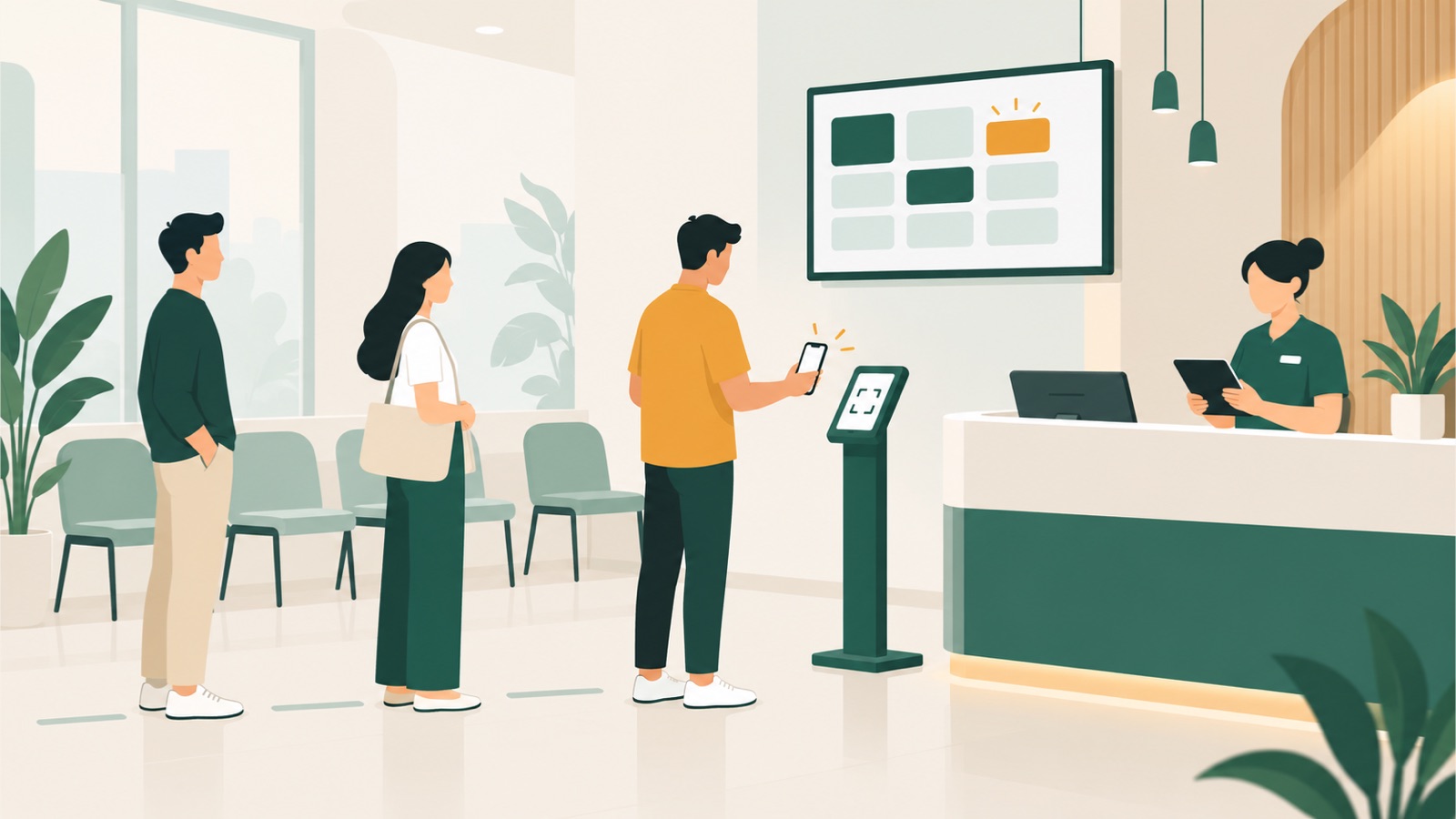
A queue can begin with something as simple as a paper list at the counter. That works until the writing becomes hard to read, customers ask how long the wait will be, or somebody steps away and misses their turn. A queue management system puts that process in one place so customers and staff can both see what should happen next.
A queue management system is software that records who is waiting, keeps their place, helps staff call the right person and tracks what happens during the visit. Customers may join by QR code, link, kiosk or staff member, then follow their ticket on a phone or display. Depending on the product, the business may use the same system to serve walk-ins, check in bookings, send updates and review waiting and service times.
What are the main parts of a queue management system?
The visible queue is only one part. A useful system connects the customer's arrival, the staff workflow and the information you review later.
| Part | What it does | What the customer sees |
|---|---|---|
| Joining | Collects the service needed and any essential details | A QR code, web link, kiosk or staff-assisted form |
| Ticket | Confirms the customer's place in the queue | A ticket number and, where available, people ahead or a wait range |
| Staff queue | Shows who is waiting and which service they need | Usually nothing; this is the working list behind the counter |
| Calling | Selects the next suitable customer and sends them to a counter, room, chair or table | A call on the display, phone or both |
| Display | Shows who is being served and where to go | A TV or tablet screen in the waiting area |
| Notifications | Tells customers when their turn is getting close or has arrived | A WhatsApp, SMS, push or email message |
| Reporting | Records joins, waits, service times, no-shows and busy periods | Nothing during the visit; this is for the business to review later |
These parts should behave as one process. If the kiosk issues a ticket but the staff list does not update, or the display calls a number without updating the customer's phone, you still have several separate systems to manage.
How does a queue management system work step by step?
The exact flow changes by business, but a straightforward visit usually follows seven steps.
1. The customer joins
A walk-in scans a QR code, opens a link, uses a kiosk or asks a staff member to add them. The join form can ask which service they need and only the details required for that visit. Someone without a suitable phone can still use a kiosk or receive a printed ticket where that is available.
2. The system issues a ticket
The customer gets confirmation that they are in the queue. A live ticket page may show their number, how many people are ahead and an estimated wait range. This gives them something more useful than a verbal request to sit nearby until called.
3. The visit enters the staff queue
Staff see the new visit on their working screen. The list can include the requested service and any priority set by the business. A clinic may need different handling for an urgent case, while a restaurant may match a party to a suitable table rather than call people in strict arrival order.
4. The customer waits
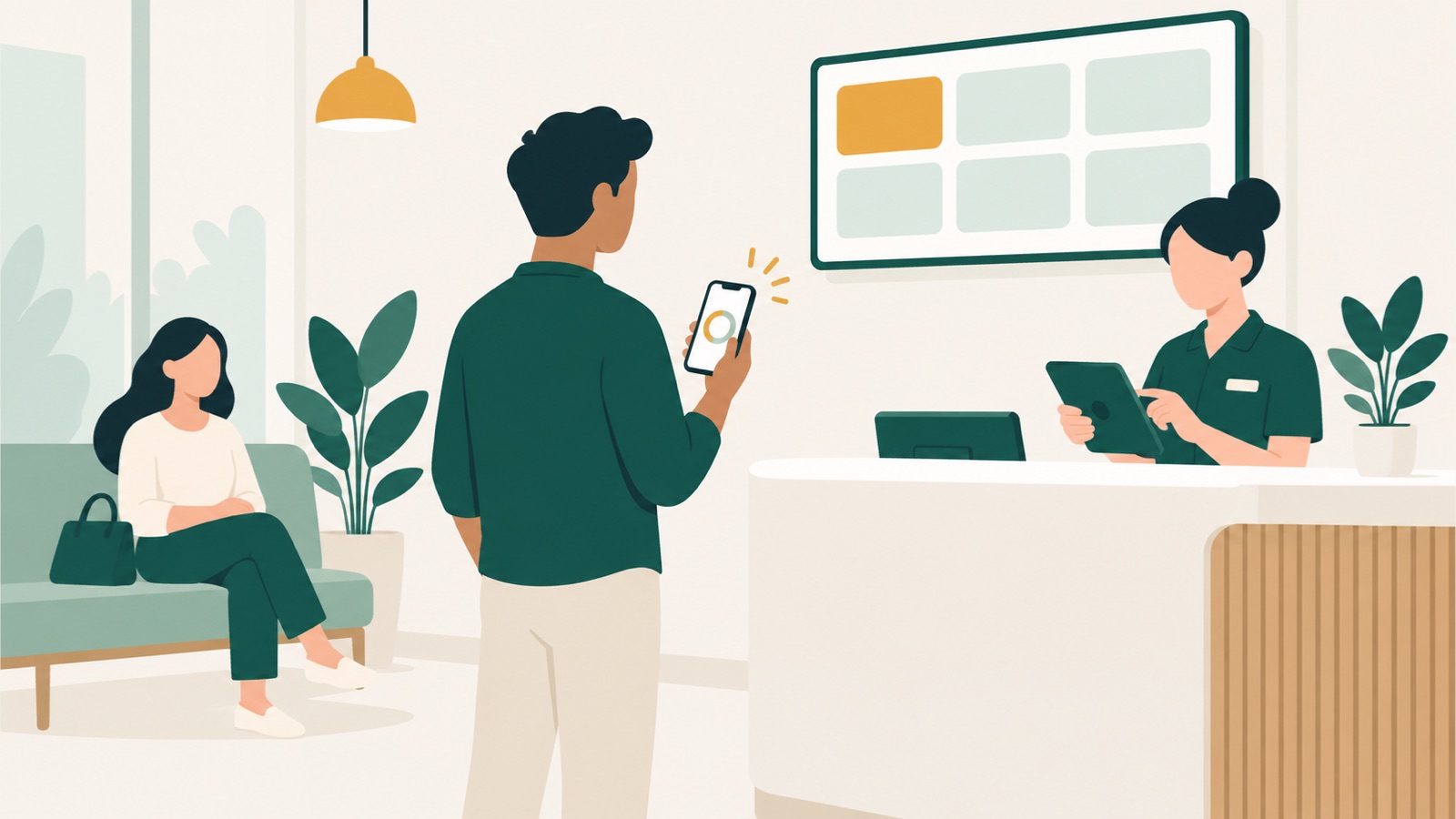
The customer can watch their place from the live ticket rather than repeatedly asking the counter. If the system supports remote waiting, they may sit outside, run a short errand or wait somewhere quieter. A wait range can update as the line moves.
5. Staff call the next suitable person
When a counter, room, chair, table or staff member becomes free, staff call the next person who fits that resource. Depending on the setup, staff may choose manually, use a suggestion or let the system send the next suitable customer straight to the free resource.
6. The display and notifications update
The waiting-area display can show the ticket and destination, while the customer's phone receives an update. If the customer does not respond, staff can mark a no-show and continue with the queue.
7. The visit is completed and recorded
Staff mark the service as finished. The system now has timestamps for joining, being called, starting service and completion. Those records become reports on wait time, service time, no-shows and busy hours, instead of relying on impressions at the end of a difficult day.
How do walk-ins and bookings work together?
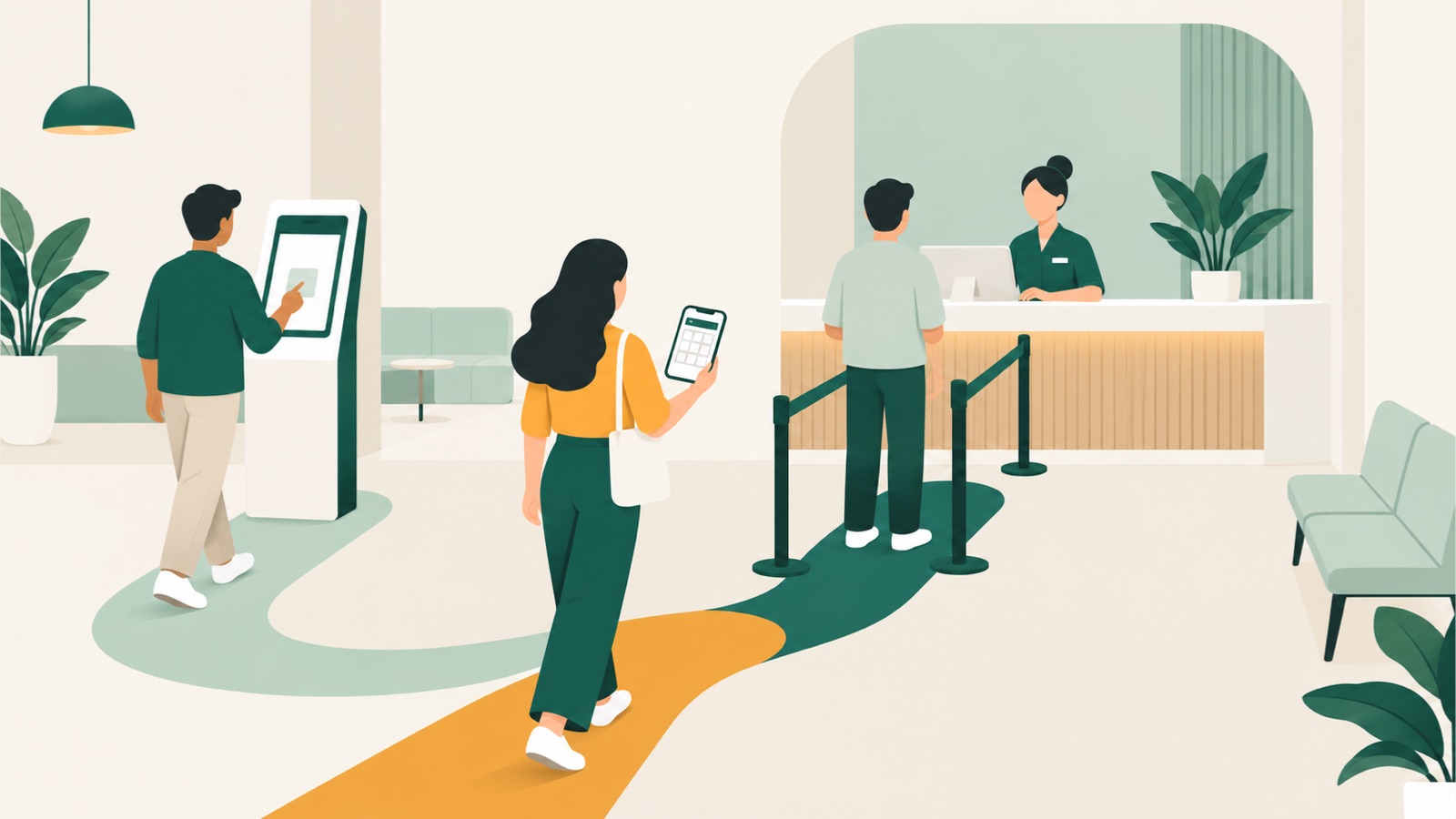
A walk-in queue deals with people waiting now, while a booking reserves a future time. Many businesses need both. A GP clinic may accept appointments and walk-ins in the same morning, while a salon may use walk-ins to fill the space between booked clients.
| Walk-in | Booking | |
|---|---|---|
| Before arrival | No reserved time is required | The customer chooses an available slot |
| On arrival | The customer joins the live queue | The customer checks in |
| Place in the line | Set by the business's queue rules | Enters the same working list with the appropriate priority |
| If plans change | The customer can leave or be marked as a no-show | The customer can change or cancel through their link where supported |
| Staff view | Appears in the current queue | Appears in the same list after check-in |
The important point is not to maintain two competing lists. Once a booked customer arrives and checks in, staff should be able to manage that visit alongside everyone already waiting. The service order may not be identical to arrival order, but it should follow rules the business has chosen.
For a wider look at choosing and setting up this kind of system, read our queue management system guide for Singapore businesses.
What are the benefits of a queue management system?
The benefits come from clearer coordination, not from making every service take the same amount of time.
Customers know what to do next
A confirmed ticket removes doubt about whether a person has joined successfully. A live position, wait range and notification make it easier to decide whether to stay nearby or use the time elsewhere. For more on why that matters, see what waiting costs a business.
Staff work from one current list
The front desk does not have to reconcile a paper sheet, a booking diary and customers waiting by the door. Staff can see who needs which service, call the next suitable person and record a no-show without rewriting the queue.
The waiting area can be calmer
When customers can follow the queue from their phone, they do not all need to stand at the counter or ask for repeated updates. This is useful in a small neighbourhood clinic, a barber in Toa Payoh, a vet near Bukit Timah or a workshop in Ubi, where the physical waiting space may be limited.
Managers can see where time goes
Reports can separate waiting from service and show when demand is busiest. You can compare similar periods, look at long waits or no-shows and decide whether opening hours, staffing or booking slots need attention. The system provides the record; the business still decides what change makes sense.
What should you look for in a queue management system?
Start with the way your business actually serves people. A long feature list is less useful than a clear answer to these questions:
- Can customers join in ways that suit them, including without installing an app?
- Can someone without a smartphone still get a ticket?
- Do walk-ins and checked-in bookings appear in one staff view?
- Can staff match people to the right counter, room, table or team member?
- Does the customer see useful progress, rather than only a ticket number?
- Can the display and phone notification update when staff call someone?
- Does it record wait time, service time, no-shows and busy hours?
- Can you control what customer details are collected, displayed and retained?
For Singapore businesses, queue records that identify a customer fall within the PDPA's data protection obligations. Our plain-English queue data guide covers what to ask for, what to show on a public display and when to delete visit details.
It is also worth walking through a normal day before choosing. Test a walk-in, a booking that checks in early, a customer who steps away, a no-show and a busy period with more than one free resource. That will reveal more than a polished demonstration built around one ideal visit.
Frequently asked questions
Is a queue management system the same as a booking system?
No. A queue system manages people waiting to be served now, while a booking system reserves a future slot. They can work together: the booked customer checks in on arrival and joins the same serving flow as walk-ins, with the priority set by the business.
Do customers need to download an app?
Not necessarily. A web-based system can let customers scan a QR code or open a link in their phone browser. A kiosk and optional printed ticket can cover customers who do not want to use a phone.
Does a digital queue always call people in arrival order?
No. Arrival time can be one rule, but the right order may also depend on a booking, priority need, requested service, staff skill, language, table size or available room. The important thing is that the rules fit the operation and staff can see the resulting order.
What reports should a queue system provide?
Useful basics include wait time, service time, no-shows and busy hours, broken down by location and service where needed. These measures help you see whether a problem is concentrated at a certain time or step in the visit.
How will Sedia handle queues and bookings?
Sedia is a pre-launch queue and booking system. Its planned features bring walk-ins and bookings into one staff list. Customers will be able to join by QR code, link or kiosk, follow their place on a live ticket and receive web push or email updates. WhatsApp and SMS will be available through prepaid credits. Staff will be able to call the next suitable customer, use a TV display and review wait, service, no-show and busy-hour data. You can see the full planned feature list.
Sedia has not launched yet. If this fits the way your business works, you can register your interest to hear when it is ready.