QR Code Queue Management System: How It Works and How to Set One Up
The Sedia team · · 9 min read
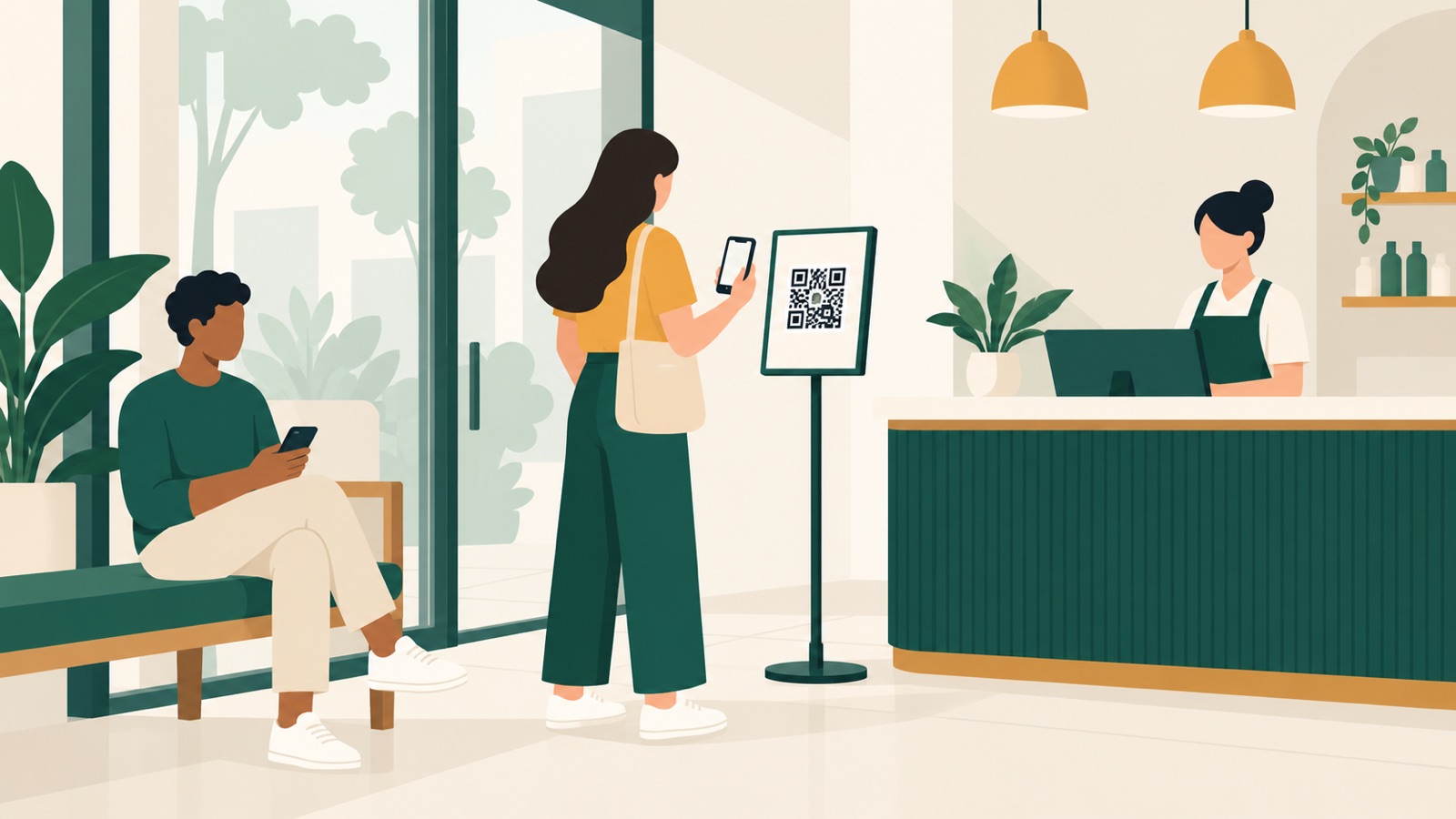
A printed QR code can replace the first part of a physical queue, but not the queue itself. The code is a doorway to a web form. What matters is what happens after the scan.
A QR code queue lets a customer scan a sign, join through their phone browser and receive a live ticket without downloading an app. Staff see that customer in the same working list as people added at a kiosk or counter, then call them through a display or phone notification. A good setup always keeps a non-phone route available.
How does a QR code queue work for the customer?
1. Scan the code
The customer scans the code with their phone camera. The business's queue page should open in the browser without requiring an app, account or password.
2. Choose the service and give essential details
The form asks only what staff need. That may be a service, first name or phone number. A restaurant may ask for party size; a vet may ask for the animal's name and reason for the visit.
3. Receive a live ticket
The customer sees confirmation that they are in the queue. A useful ticket shows their number, how many people are ahead and, where available, an estimated wait range.
4. Wait nearby and return when called
The customer can wait somewhere quieter. The ticket updates as the line moves. A notification can tell them when their turn is near, while a display covers those who remain on the premises.
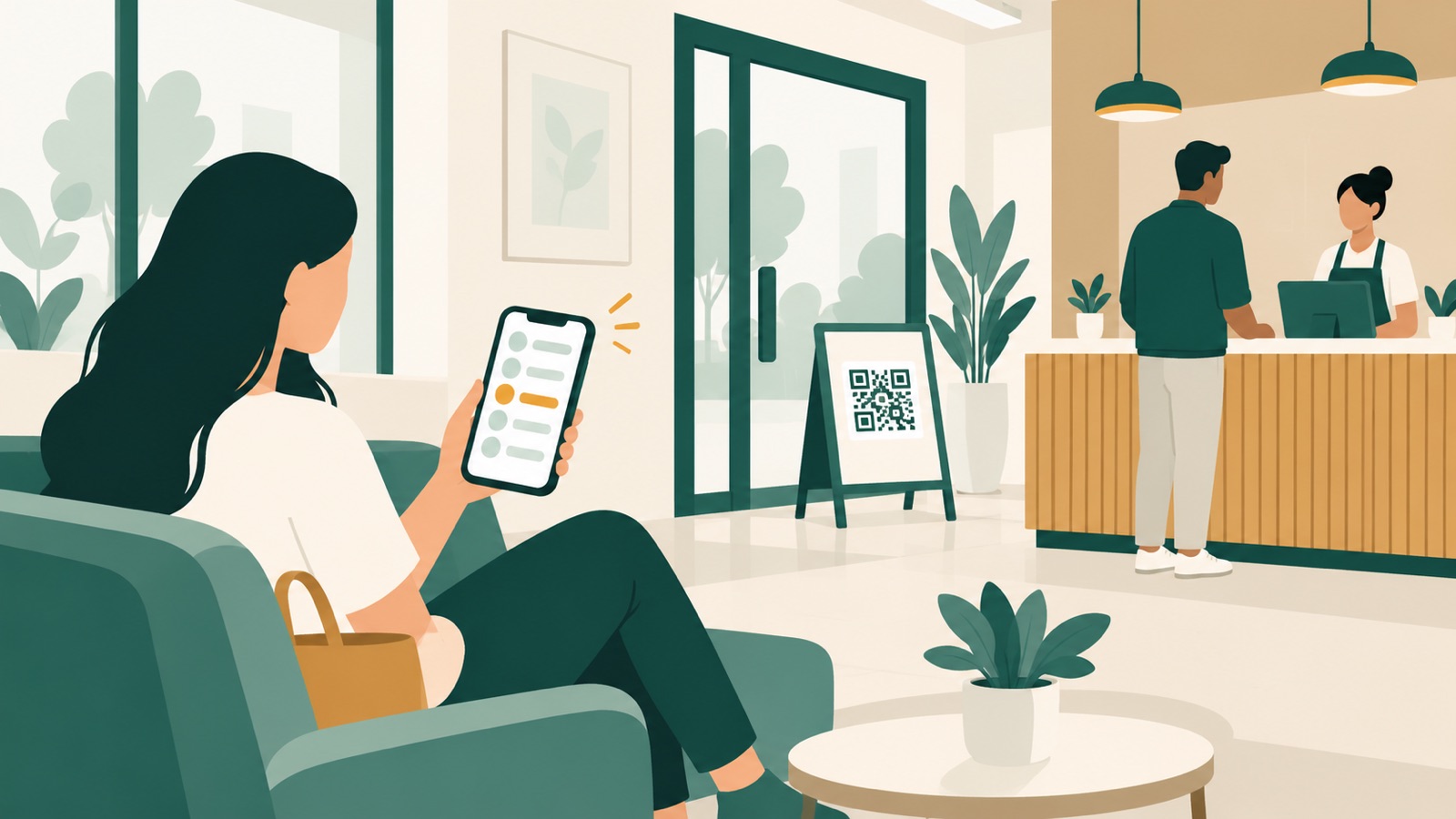
Unlike a contact form, a QR queue gives the customer a confirmed place and a way to follow it.
How does a QR code queue work for staff?
Staff manage the queue created by all the join routes, not the QR code itself.
| Stage | What the customer sees | What staff do |
|---|---|---|
| Join | A short form and confirmation | Watch the new visit appear in the queue |
| Wait | Ticket number, people ahead or a wait range | Review service, priority and any note needed for the visit |
| Call | Phone alert, display call or both | Select the next suitable customer and destination |
| Serve | Counter, room, chair or table | Mark service as started and then completed |
| Missed turn | An update or request to speak to staff | Mark a no-show, defer the visit or call the next person |
The list may include QR joins, kiosk users, staff-assisted customers and checked-in bookings. One view avoids a separate paper line. For the broader process, see what a queue management system does.
How do you set up a QR code queue step by step?
Start with one queue at one location so you can correct unclear instructions before expanding.
1. Define where waiting begins and ends
Decide whether the customer joins before entering, at reception or after speaking to staff, and when the wait ends. Set how bookings, urgent cases, late arrivals and priority customers enter the order.
2. Choose a fixed or changing QR code
A fixed code is simple to reuse, but its link can be shared. A code that changes each day helps limit joining to people with the current sign, but somebody must refresh it reliably. Choose according to whether remote joining is useful, and explain the rule before the form.
3. Put the QR code where the decision happens
Place the main sign before a physical line forms: beside the entrance, reception desk or host stand. Use good lighting and leave space to stop without blocking the doorway. Add another sign only where it solves a problem, such as a clinic opening onto a narrow corridor. Test each printed code from the distance and angle customers will use.
4. Build the shortest useful join form
Ask for the service and only the details needed for that visit. Explain why you need a phone number, mark optional fields clearly and test every language offered.
5. Set notification points
Use messages with a clear action: ask the customer to return, then tell them where to go. Decide what staff do if a message fails or the customer does not return. Test the sender, wording and links.
6. Configure the waiting-area display
A display should show a ticket number and destination, not unnecessary personal details. Put it where seated customers can see it and test the chime or voice call-out. Confirm that calling someone updates the display and phone together.
7. Rehearse the exceptions
Rehearse a normal join, no phone, a wrong service, a missed turn, a duplicate, a full queue and a network interruption. Give staff one fallback for each case, then pilot during a normal busy period.
What should a QR queue form ask for?
Every extra field creates more data to protect. Start with the minimum.
| Field | Ask when | Avoid when |
|---|---|---|
| Service | Different staff, rooms or durations depend on the choice | Everyone joins the same service |
| First name or initials | Staff need a discreet way to recognise the customer | A ticket number is enough |
| Phone number | You will send an operational alert or need to contact them about this visit | The customer will wait at the display and no message is needed |
| Party size | It affects table or resource matching | Each ticket always represents one person |
| Short visit reason | It helps staff prepare or route the visit | It could expose sensitive information without improving service |
| NRIC or FIN | Law requires it or identity must be verified to a high degree | It is merely convenient or already collected in another suitable system |
Keep free-text boxes rare. If a clinic needs sensitive details, keep them off the display and limit which staff roles can see them.
What about customers without a smartphone or mobile data?
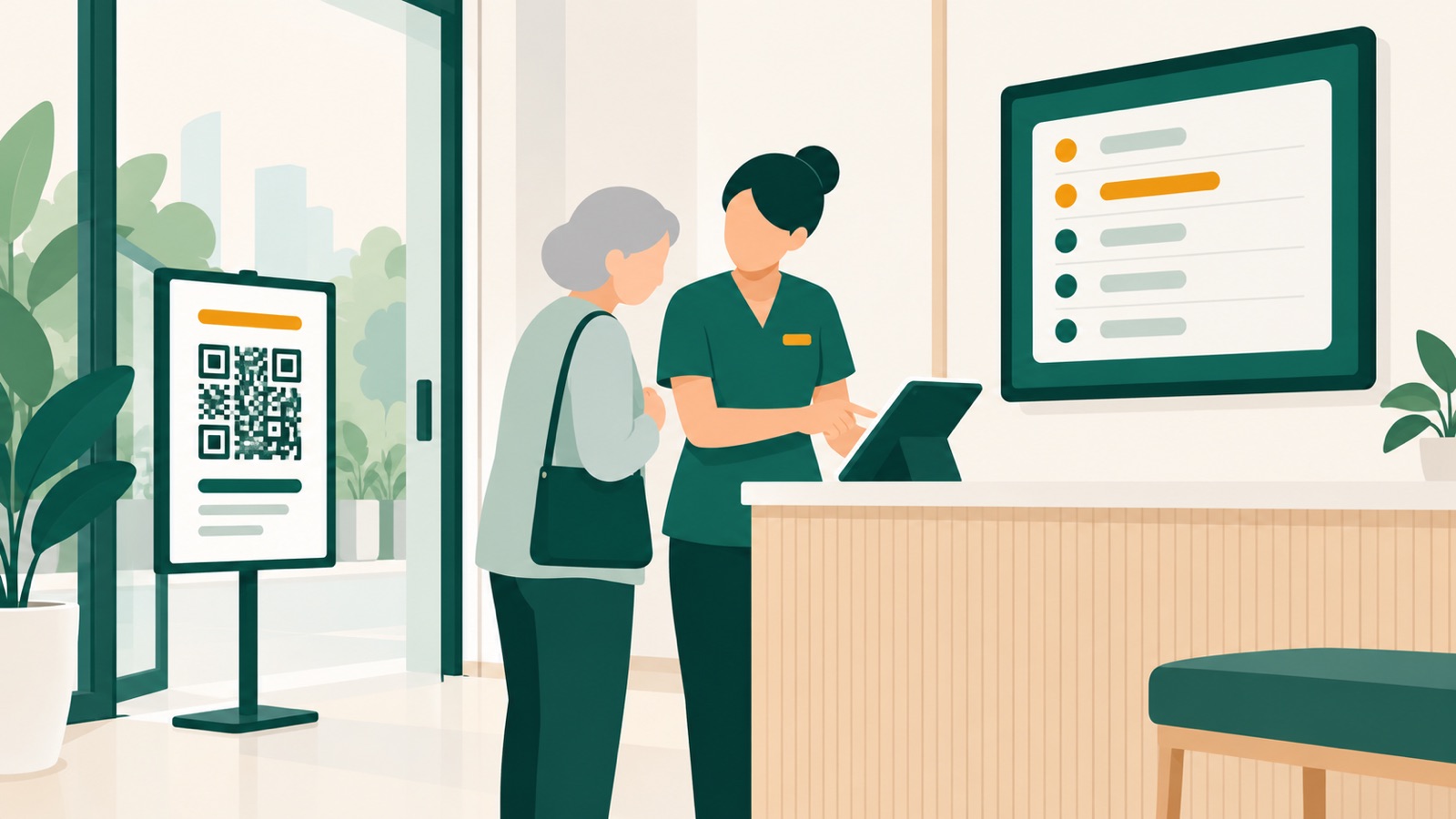
A QR code should be one route, not the only route. No suitable phone, mobile data, battery or ability to complete a small form should be treated as a normal operating case.
| Join route | Best used for | What to prepare |
|---|---|---|
| QR code | Customers comfortable using their own phone | Clear sign, short form and reliable mobile reception or Wi-Fi |
| Kiosk | Customers without a phone or who prefer a larger screen | Accessible tablet position, simple controls and an optional ticket printer |
| Staff-assisted | Anyone who needs help or needs to explain an exception | A quick staff entry screen and a clear privacy practice at the counter |
| Printed ticket | Customers who will remain near the display | Printer supplies and a display or voice call-out |
Staff should be able to add the customer to the same queue and give them a ticket number. Larger type, clear contrast, four-language screens and a seated place to join can help.
What are the common QR queue mistakes?
- The sign is discovered too late. Customers have already formed a line before they see it.
- The form is too long. Registration becomes a second queue at the doorway.
- The code is not checked. A faded, covered or replaced sign sends customers to the wrong place.
- The confirmation is vague. Customers submit twice because they cannot tell whether they joined.
- Alerts arrive with no return rule. Customers do not know how quickly they must come back.
- The display exposes personal information. Full names or visit reasons are visible to the room.
- Staff keep a second list. People who joined in different ways are served inconsistently.
- There is no fallback. A dead battery or weak signal stops a customer from joining.
Scan the displayed code at opening. Confirm the location, service and day, not merely that a page opens.
How does the PDPA apply to a QR code queue in Singapore?
A QR join form may collect personal data such as a name, phone number or visit reason. The PDPC's Advisory Guidelines on Key Concepts in the PDPA explain that an organisation should notify people of the purposes for which their data is collected, used or disclosed. They also cover protection and retention: use reasonable security arrangements, and stop retaining identifiable data when its purpose is no longer served and it is no longer needed for legal or business purposes.
Put a purpose notice beside the fields, restrict staff access, keep personal details off the public display and document a deletion period. Before using a number collected for a turn alert for marketing, check the PDPC's consent and Do Not Call guidance.
The PDPC says its NRIC guidelines remain valid while they are being updated. They say organisations are generally not allowed to collect, use or disclose NRIC numbers or copies unless required by law or necessary to establish or verify identity to a high degree of fidelity. They also advise against using an NRIC number as a password or to authenticate someone. An ordinary salon or restaurant queue should therefore not add an NRIC field simply because the form builder permits it. Read our fuller PDPA guide for queue data before deciding what to collect.
This is general information, not legal advice.
Frequently asked questions
Do customers need an app to join a QR code queue?
No. A web-based queue opens in the browser, where the customer can join and follow a live ticket.
Can customers scan the QR code from home?
They can if a fixed code or link is shared and remote joins are allowed. To limit joining to the premises, use a changing code or another location check and explain the rule first.
Should the QR code replace the reception desk?
No. Staff still handle questions, exceptions and customers who cannot use the code. Their assisted route should create a ticket in the same queue.
Does a QR queue need a TV display?
Not always. Phone notifications may cover customers waiting elsewhere, but a display is useful for people who stay on site or do not receive messages. A small service counter may use a tablet screen; a larger waiting room may need a clearly visible TV and chime.
How will Sedia support QR code queues?
Sedia is a pre-launch queue and booking system for Singapore businesses. Its planned setup includes fixed or daily-changing queue QR codes, no-app joining, a live ticket, web push and email alerts, optional WhatsApp or SMS, kiosk joining and a TV display. Customers who book can check in to the same staff queue as walk-ins, with priority.
You can review the planned features and register your interest to hear when Sedia is ready.
Sources
- Personal Data Protection Commission, Advisory Guidelines on Key Concepts in the PDPA.
- Personal Data Protection Commission, Advisory Guidelines for NRIC and other national identification numbers.
- Personal Data Protection Commission, Advisory Guidelines on the Do Not Call Provisions.